Managing your Merchant’s access to the Merchant portal could be done through the Side Bar Menu and clicking on the “Admin” option, which is available only for Administrators. By clicking on this option, the Merchant Portal will display the following sub menus:
- Users
- User Merchants
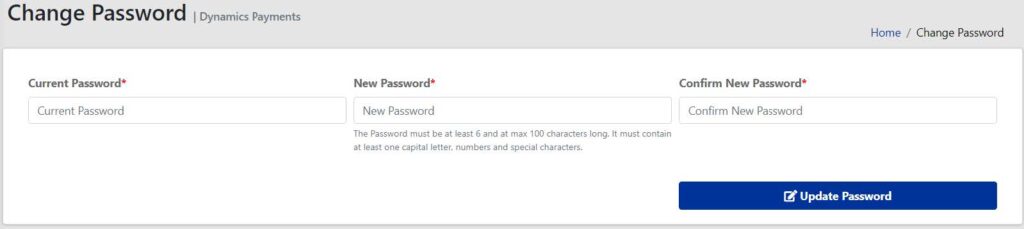
- Change Password
Users View
View the users of your merchant or the merchants under your portfolio, manage them, add new users, etc.

Change Password View
This is another way to change your password.